


Problem findings
Small and micro-businesses found existing accounting tools too complex and not mobile-friendly.
Manual expense tracking and tax management led to errors and inefficiency.
Staying HMRC MTD-compliant while ensuring data security was a major challenge.

Solution
Created NuBooks, an AI-powered accounting app designed for simplicity and automation.
Integrated invoicing, expense capture, and bank connections into one secure cloud platform.
Delivered iOS and Android apps to make digital bookkeeping accessible anytime, anywhere.

Problem findings
Small and micro-businesses found existing accounting tools too complex and not mobile-friendly.
Manual expense tracking and tax management led to errors and inefficiency.
Staying HMRC MTD-compliant while ensuring data security was a major challenge.
Solution
Created NuBooks, an AI-powered accounting app designed for simplicity and automation.
Integrated invoicing, expense capture, and bank connections into one secure cloud platform.
Delivered iOS and Android apps to make digital bookkeeping accessible anytime, anywhere.

Managing business finances doesn't have to be stressful. NuBooks brings simplicity and intelligence to accounting with automated expense tracking, invoice creation, and tax readiness all from your phone. It's your pocket accountant that keeps your business running smoothly, anytime and anywhere.
Development Process
1. Requirements & Planning
Our team collaborated with the client to understand the app's purpose; simplifying accounting. We defined modules like login, dashboard, expense tracking, and reports, ensuring scalability and security.
2. UI Integration & Setup
We integrated the provided Figma designs into Flutter, ensuring consistent UI across Android and iOS. A clean modular architecture (MVVM) was implemented to maintain performance and scalability.
3. Backend Integration
RESTful APIs were connected to handle user data, transaction history, and secure authentication. We implemented cloud-based storage for real-time data sync and ensured encryption for sensitive financial information.
4. Testing & Optimization
Multiple rounds of QA testing were conducted, including functional, UI, and cross-platform testing. Performance bottlenecks were optimized for smooth transitions and quick loading times.
5. Deployment & Maintenance
The final build was deployed to both Google Play Store and Apple App Store. We provided post-launch support for bug fixes, minor feature updates, and analytics monitoring to ensure user satisfaction.
Key feature
Powerful functionalities that connect stores, drivers, and customers in one seamless delivery system.

AI-Powered Automation
Let advanced AI organize, categorize, manage financial data to reduce manual work instantly.

Supplier Management
Create detailed supplier profiles and automatically link all related invoices.

Smart Invoice Processing
Upload JPG, PNG, or PDF invoices, NuBooks scans and converts them into editable records.

Bank Statement Upload
Effortlessly match transactions and reconcile payments in just a few quick clicks.

Powerful Integration
Seamlessly connect with Xero, Zoho Books, QuickBooks, and several other accounting platforms.

Multi-Member Access
Collaborate securely with your accountants or trusted team members anytime.

Cloud-Based & Secure
Access and manage your financial data anytime with bank-level encryption and automatic daily backups.
Built for freelancers, Accountants
 and Small Business Owners
 who want to manage bookkeeping, taxes, and expenses, effortlessly and on the go.
The final product
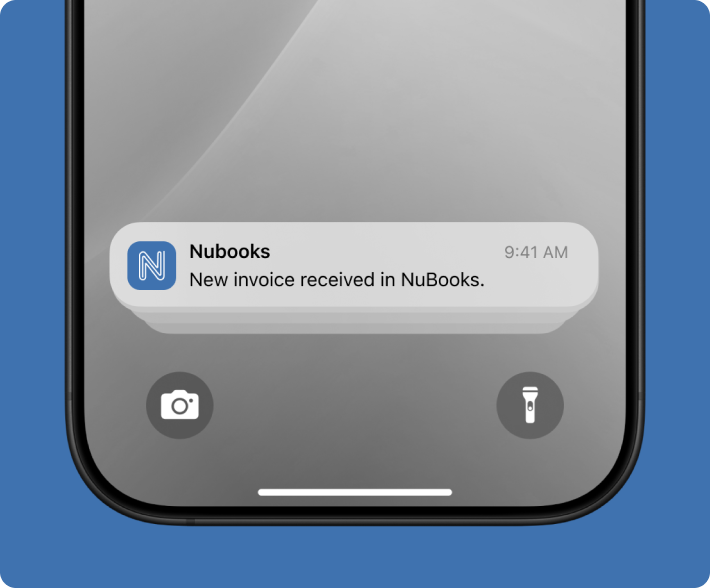
A seamless, mobile-first accounting solution that empowers small businesses to manage finances effortlessly, anytime and anywhere.
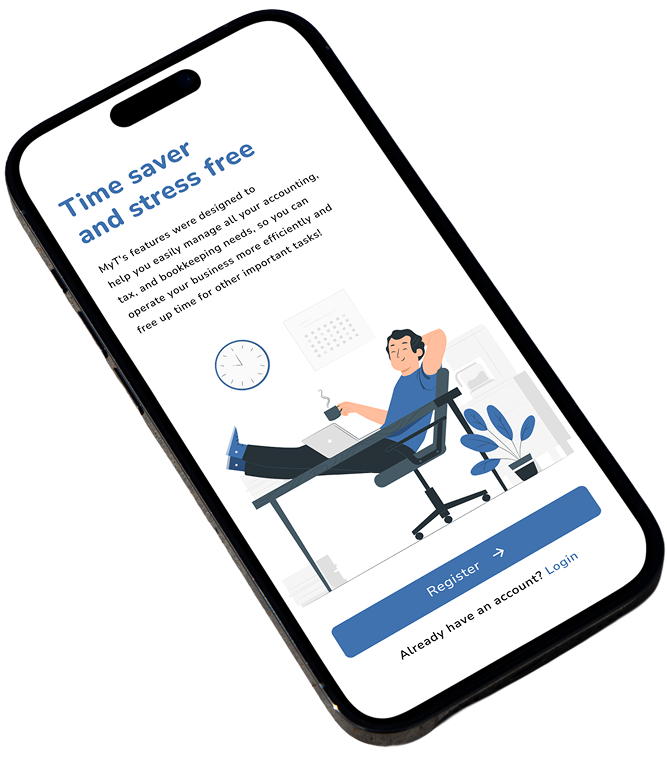
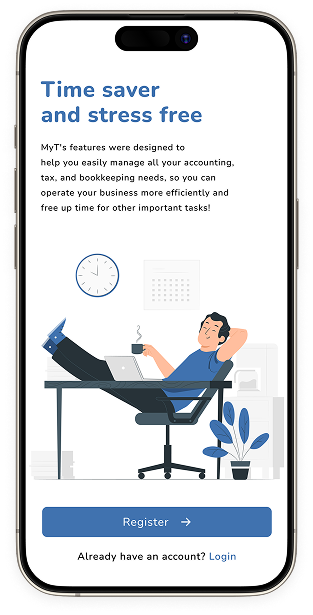
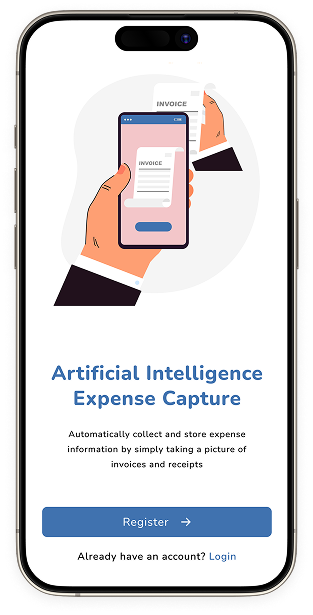
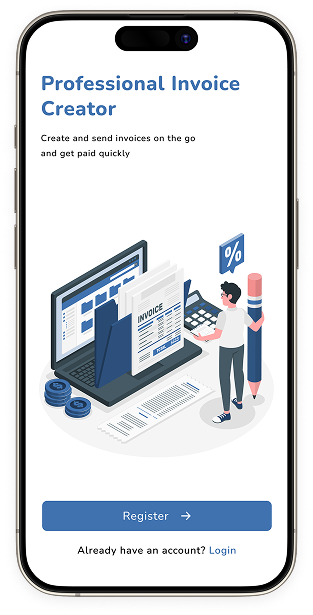
Onboarding screen
The onboarding screens guide users through NuBooks' core features, from automating expenses and managing invoices to staying tax-ready.
.png)
Home Screen
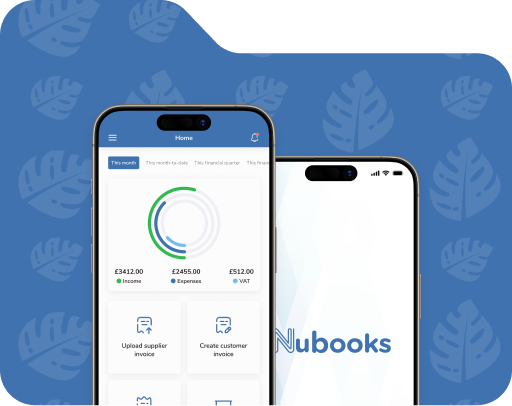
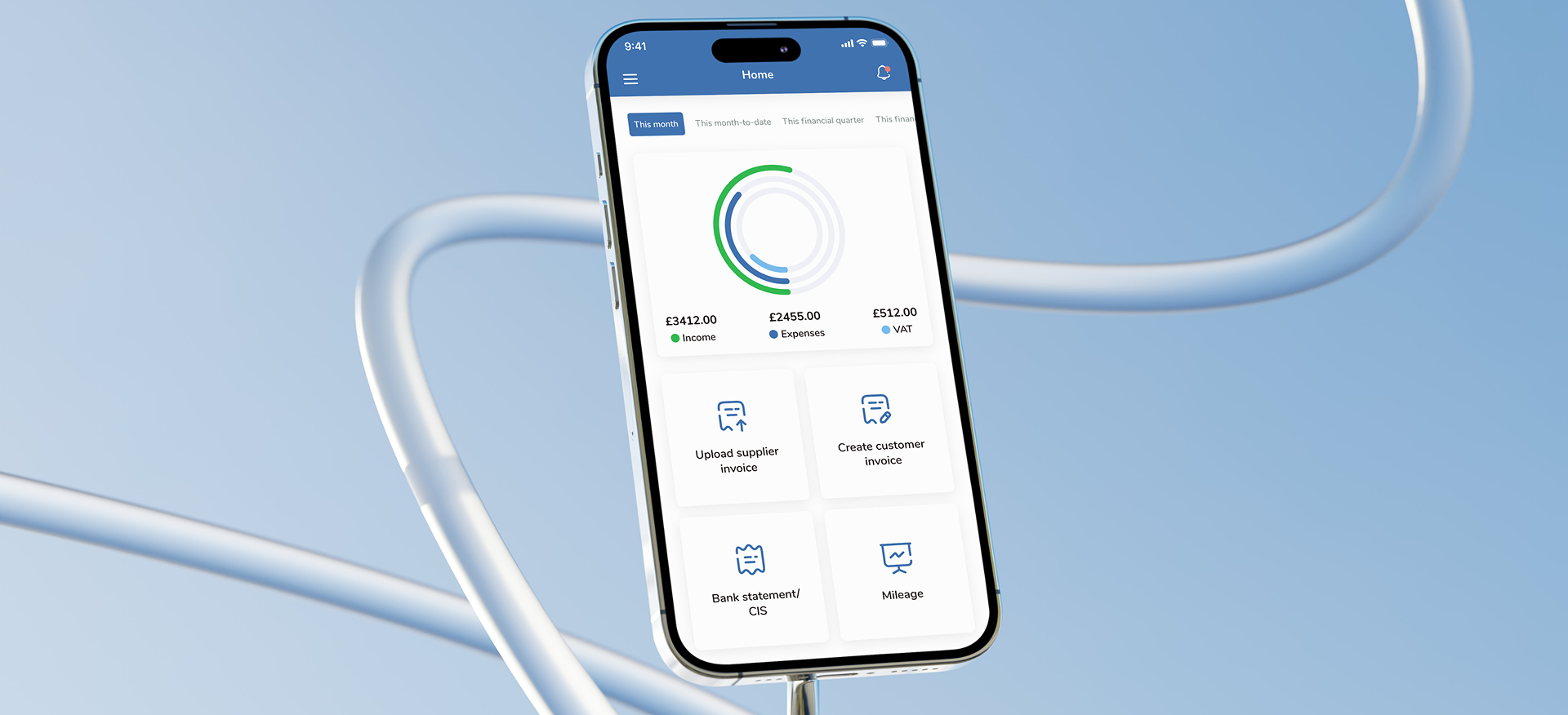
The home screen acts as a control center for users; offering a quick glance at invoices, expenses, and overall performance. Every key financial feature is just one tap away.
A clean, visual summary helps users instantly track income, expenses, and VAT, giving clarity at a glance.
Manage your finances effortlessly track every transaction and record mileage in one place.
.png)
Your business hub, everything you need, right at your fingertips.
.png)
Create and manage invoices effortlessly in a few taps.
.png)
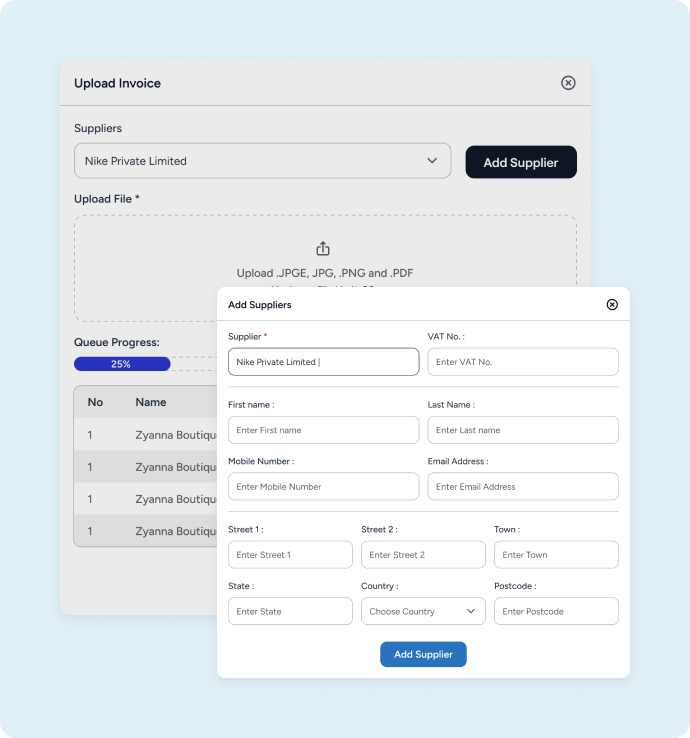
Upload Supplier Invoice
Upload your paper invoice into digital one. Now you can edit every detail from invoice items to amounts directy on your screen. Also Easy add or update suplier information, make invoices digitaly, and keep evrything organized in one place.
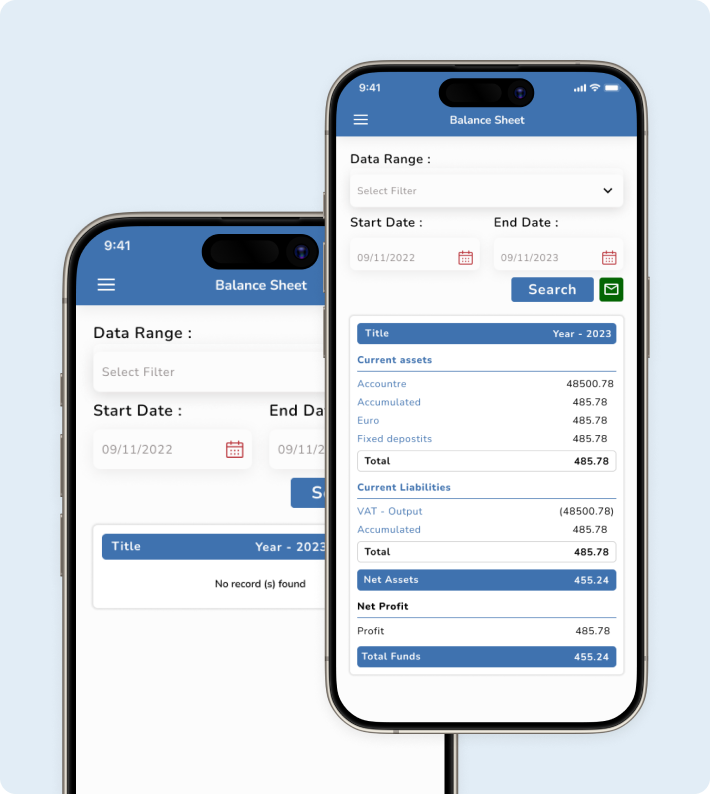
Balance Sheet Screen
View a detailed summary of assets, liabilities, and equity, giving a complete snapshot of your business’s financial standing.
.png)
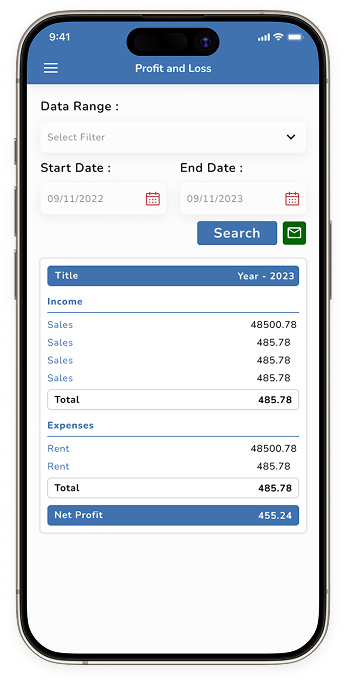
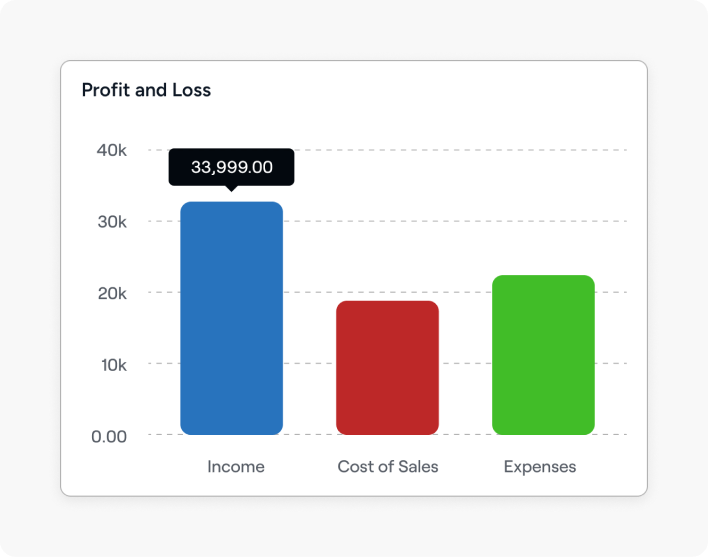
Profit and loss
Track income, expenses, and net profit effortlessly to stay on top of your business performance throughout the year.
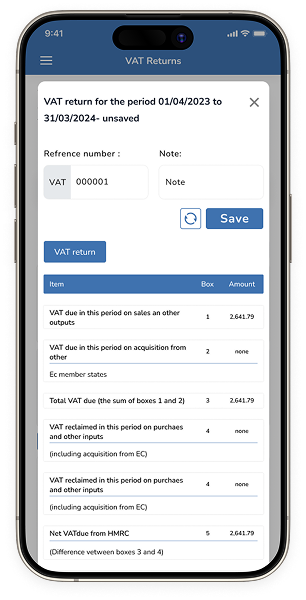
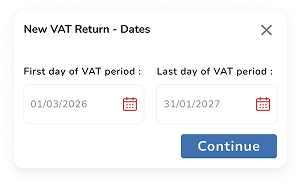
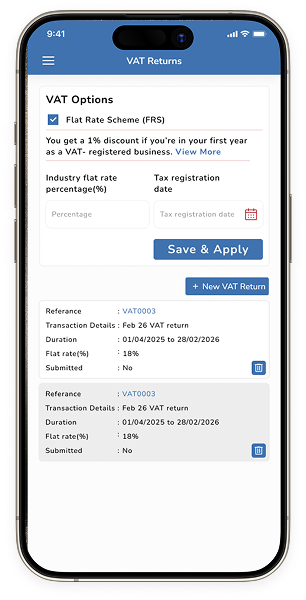
VAT Return Screen
Simplify tax management with automated VAT calculations and quick return submissions all in one secure place.
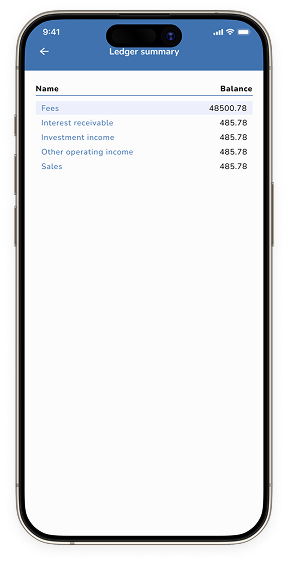
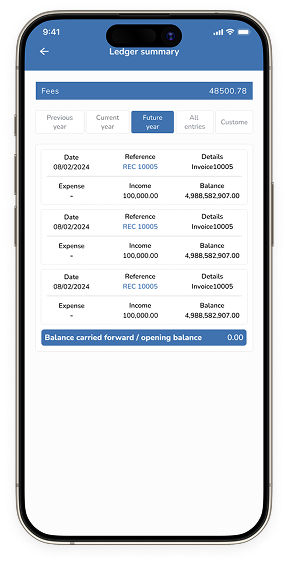
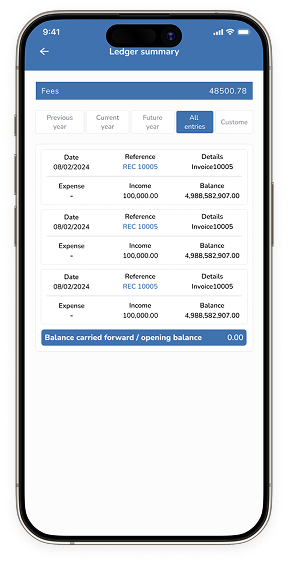
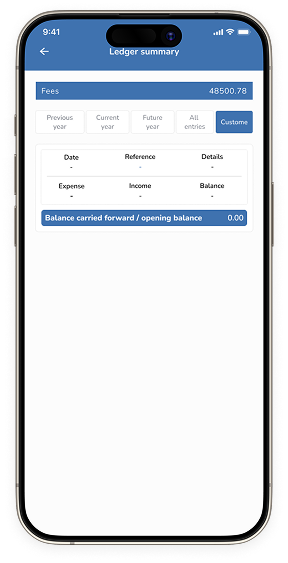
Ledger Summery
Keep every transaction organized with a clear ledger view helping users track credits, debits, and account balances effortlessly.
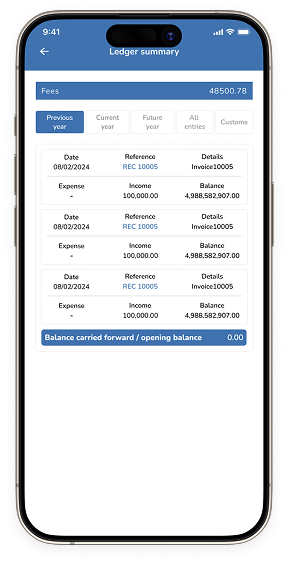
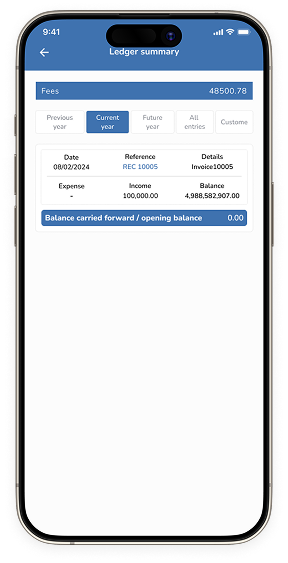
Easily switch between past, current, and upcoming entries while customizing views to match your tracking needs, giving users full control over every transaction.
Style Guide
ABCDEFGHIJKLMNOPQRSTUVWXYZ
abcdefghijklmnopqrstuvwxyz
1234567890@£$%^&*
MONTSERRAT
Steel Blue
#4072AF
Pure Black
#000000
Pure White
#FFFFFF
Ready to Simplify Your Next App?
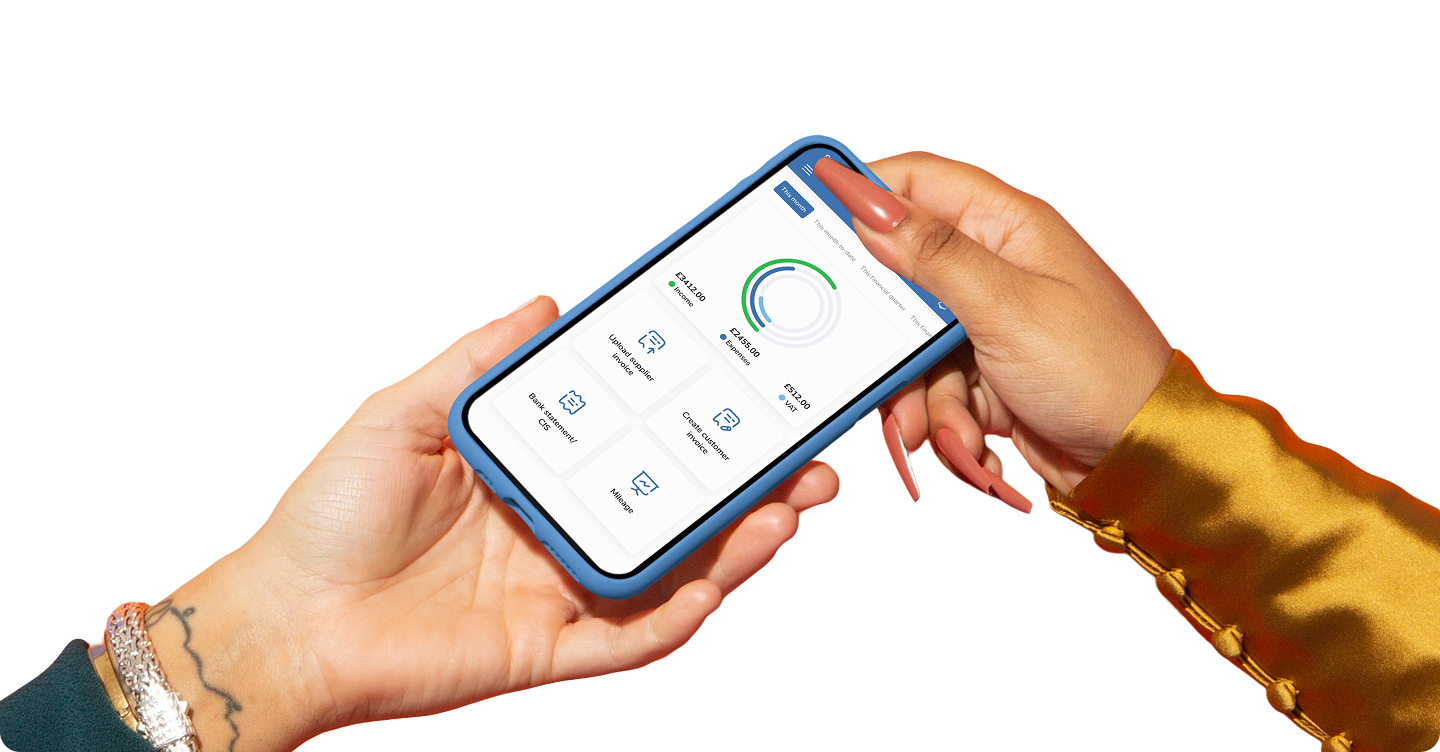
Let's create something equally impactful for your business.
.png)